 Forge
Forge HEIC to JPG: Convert iPhone Photos Online
Convert a supported HEIC or HEIF still image into JPEG for compatible apps and upload forms.
or drop a file here · free, no signup, files deleted automatically
How to convert HEIC to JPG
- Upload your .heic or .heif photo (drag & drop or browse).
- Pick a JPEG quality (95% default, visually identical) and click Convert to JPEG.
- Download the result and compare it with your original before sharing.
A practical starting point
Try the synthetic sample below, using JPEG quality 95. Inspect colors, fine edges and orientation before converting important photographs.
TRY IT WITH A PRACTICE FILE
A reproducible example
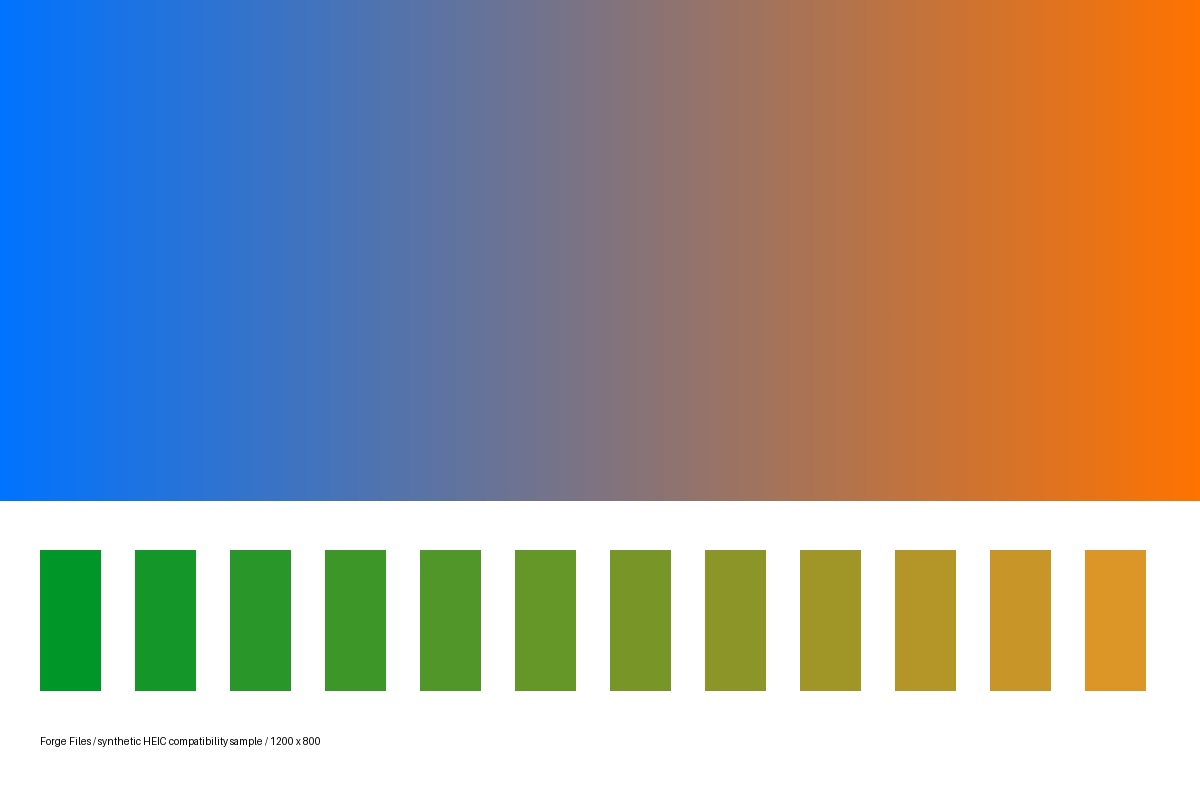
A generated 1200 × 800 color-and-edge test image, encoded as HEIC and converted with JPEG quality 95. Both formats are lossy. This is a compatibility example, not an iPhone camera, HDR, or Live Photo test.
Original HEIC (28,460 bytes)
Converted JPG (44,232 bytes)

How this example was made
Original synthetic fixtures generated by Forge Files. No customer files or stock images. Local Python utilities from this repository; standard PDF-to-Word mode, HEIC JPEG quality 95. Browser processing and production runtime may differ.
Generated and checked on . Exact sizes, hashes and software versions · Reproduction script.
Frequently asked questions
What are the limits of HEIC to JPG?
JPEG is lossy. This is not a Live Photo video export or a guarantee of HDR fidelity. A JPG may be larger than its HEIC source.
How should I check the HEIC to JPG result?
Keep the HEIC original. Embedded EXIF and ICC metadata may be preserved, so conversion is not metadata removal. Check the actual file format if decoding fails.