 Forge
Forge Compress PDF: Reduce PDF File Size Online
Reduce PDF size by optimizing structure and eligible embedded images. Low, Medium and High trade image detail for size.
or drop a file here · free, no signup, files deleted automatically
How to compress a PDF
- Upload your PDF (drag & drop or browse).
- Choose Compress PDF and pick a level: Low (best quality), Medium (balanced), or High (smallest size).
- Download the result and compare it with your original before sharing.
A practical starting point
Start with Low for a scanned application. Compare downloaded bytes with the portal limit before trying Medium. Inspect fine print and signatures at 200% zoom after each attempt.
TRY IT WITH A PRACTICE FILE
A reproducible example
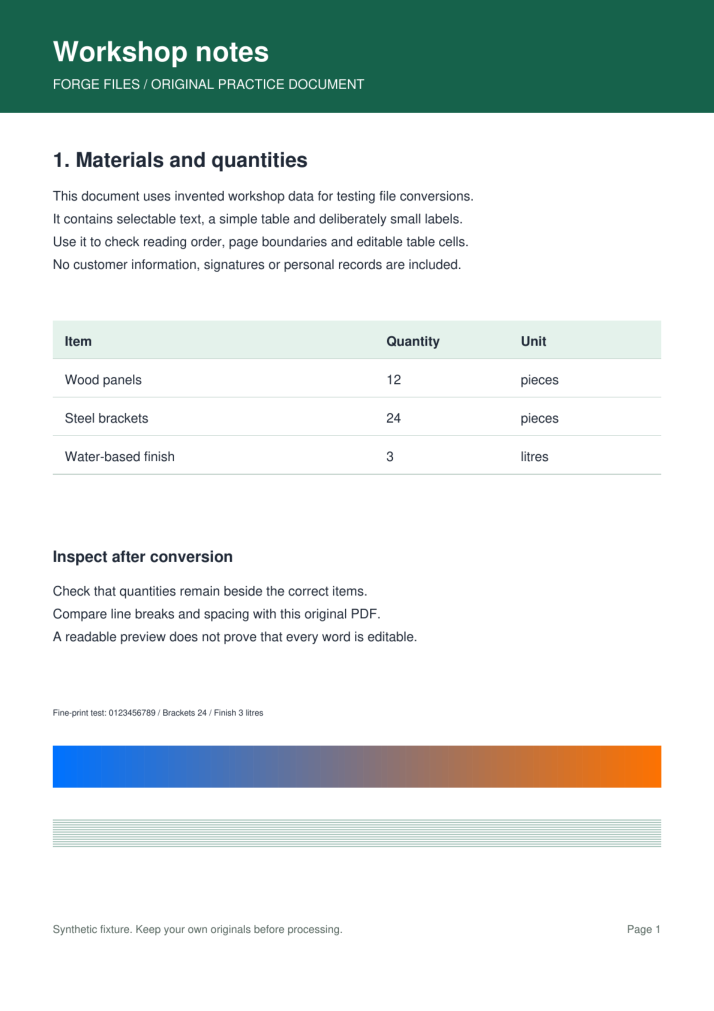
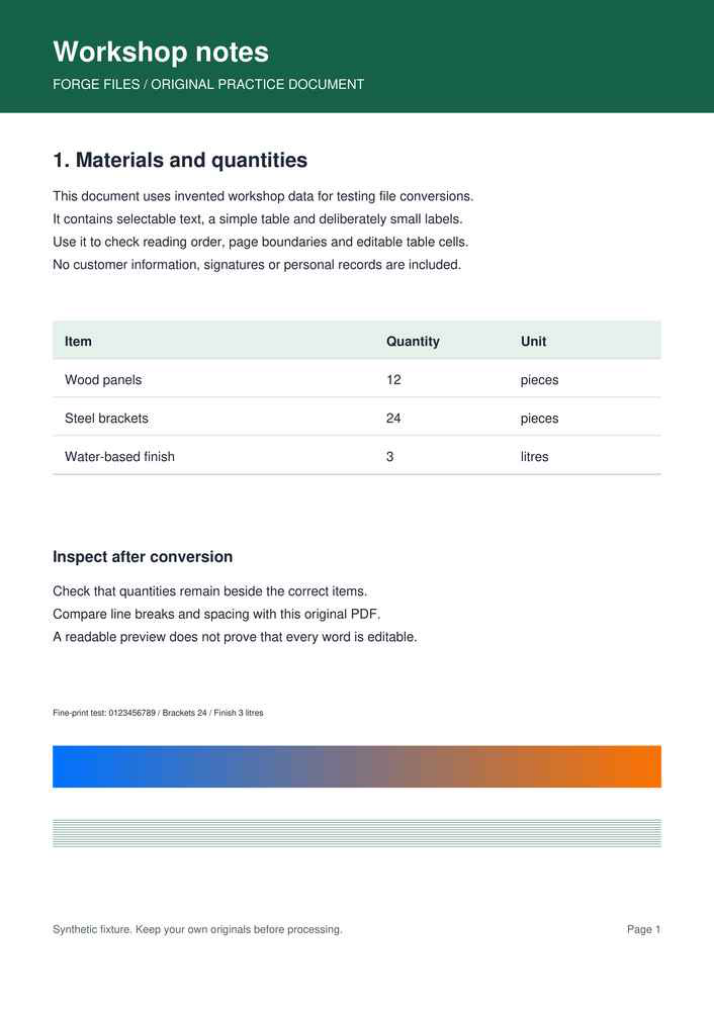
This one-page synthetic scan contains small text, thin rules and a color ramp. It has no selectable text. Compare each output with the original at 100% and 200% zoom.
Download the original scan (217,168 bytes)
Scroll the table sideways on small screens to compare all columns.
| Level | Output size | Reduction | Result |
|---|---|---|---|
| Low | 181,775 bytes | 16.3% | Download PDF (181,775 bytes) |
| Medium | 90,770 bytes | 58.2% | Download PDF (90,770 bytes) |
| High | 38,886 bytes | 82.1% | Download PDF (38,886 bytes) |
How this example was made
Original synthetic fixtures generated by Forge Files. No customer files or stock images. Local Python utilities from this repository; standard PDF-to-Word mode, HEIC JPEG quality 95. Browser processing and production runtime may differ.
Generated and checked on . Exact sizes, hashes and software versions · Reproduction script.
Frequently asked questions
What are the limits of Compress PDF?
A scan is a picture of text, so image compression can soften its words. Already optimized files may shrink little. A target size or reduction percentage is not guaranteed.
How should I check the Compress PDF result?
Keep the original for archival storage or printing. If the output is still too large, remove unnecessary pages or use an accepted file-sharing method instead of repeatedly compressing it.