 Forge
Forge Convert HEIC to JPG for an app that cannot open it
Convert the format once, check the result, and keep your original. Changing the filename extension is not a conversion.
Check what the destination actually accepts
HEIC is commonly used for still images in Apple's high-efficiency workflow. Some applications and upload forms instead require JPEG, usually named .jpg or .jpeg. Those two extensions name the same format. Read the form's size and dimension requirements before converting: format, pixels and bytes are separate checks.
If the destination already accepts HEIC, conversion may be unnecessary. Keep the original because JPEG compression can discard information and cannot preserve every feature of the source container.
Convert and inspect
- Open HEIC to JPG and choose the original file.
- Start with JPEG quality 95 for a first comparison.
- Download the JPG and open it in the app that rejected the HEIC.
- Check orientation, dimensions, color and fine detail. Compare bytes with the upload limit.
If it is still too large, use Resize Image to fit the required pixel dimensions rather than repeatedly saving at lower quality. A JPG can be larger than its HEIC source even when both look similar.
What this conversion does not preserve
Forge Files converts a supported still image. It does not export a Live Photo's video component, reproduce every HDR display behavior or promise identical appearance across screens. The synthetic example below tests basic decoding and output dimensions, not iPhone camera fidelity.
The server converter attempts to preserve embedded ICC color information and EXIF metadata while applying orientation to the pixels. Metadata may include camera details or location, depending on the source. Do not use format conversion as a substitute for inspecting and removing metadata before publishing a sensitive image.
Alternatives on Apple devices
On a Mac, Apple documents exporting a HEIF image from Photos or Preview to JPEG or PNG. On supported iPhones and iPads, Camera's Formats setting includes Most Compatible for future captures. Changing that setting does not convert existing files.
See Apple's HEIF and HEVC guidance for device-specific availability. Use a local export when you prefer not to upload the image to a server.
TRY IT WITH A PRACTICE FILE
A reproducible example
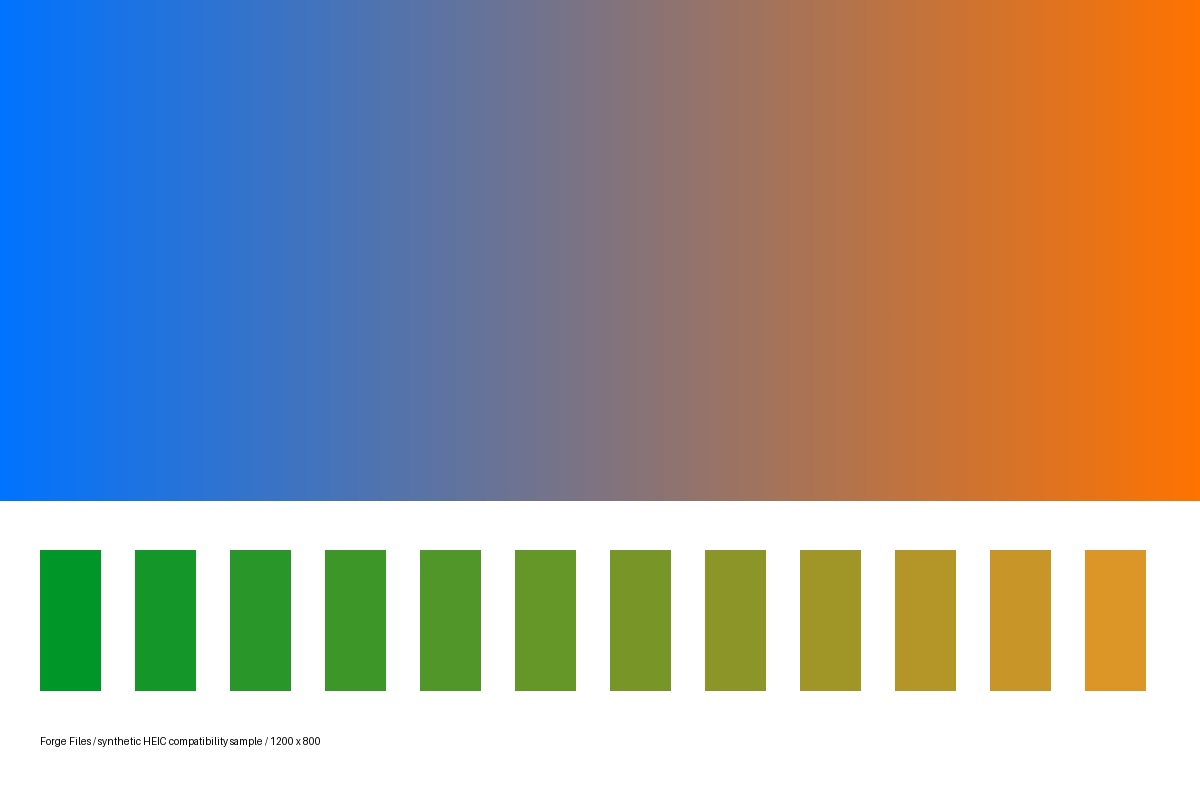
A generated 1200 × 800 color-and-edge test image, encoded as HEIC and converted with JPEG quality 95. Both formats are lossy. This is a compatibility example, not an iPhone camera, HDR, or Live Photo test.
Original HEIC (28,460 bytes)
Converted JPG (44,232 bytes)

How this example was made
Original synthetic fixtures generated by Forge Files. No customer files or stock images. Local Python utilities from this repository; standard PDF-to-Word mode, HEIC JPEG quality 95. Browser processing and production runtime may differ.
Generated and checked on . Exact sizes, hashes and software versions · Reproduction script.
Frequently asked questions
Will changing .heic to .jpg work?
No. The encoded image data must be converted. Renaming can make the file harder for apps to identify.
Why does the JPG look different?
Lossy compression, color-profile handling, HDR display behavior and viewer settings can affect appearance. Compare in the intended receiving app and keep the HEIC original.